 Image 1 of 3
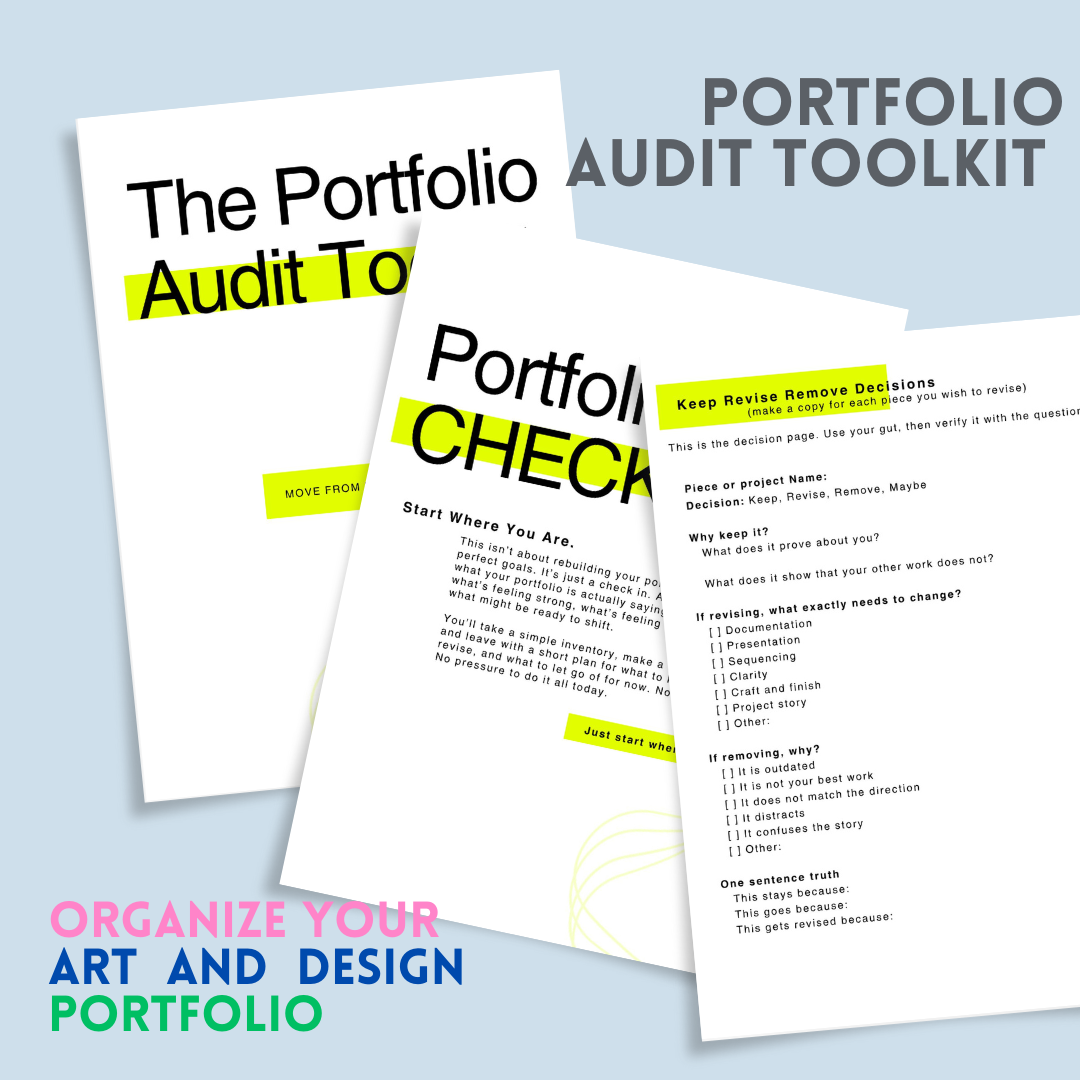 Image 2 of 3
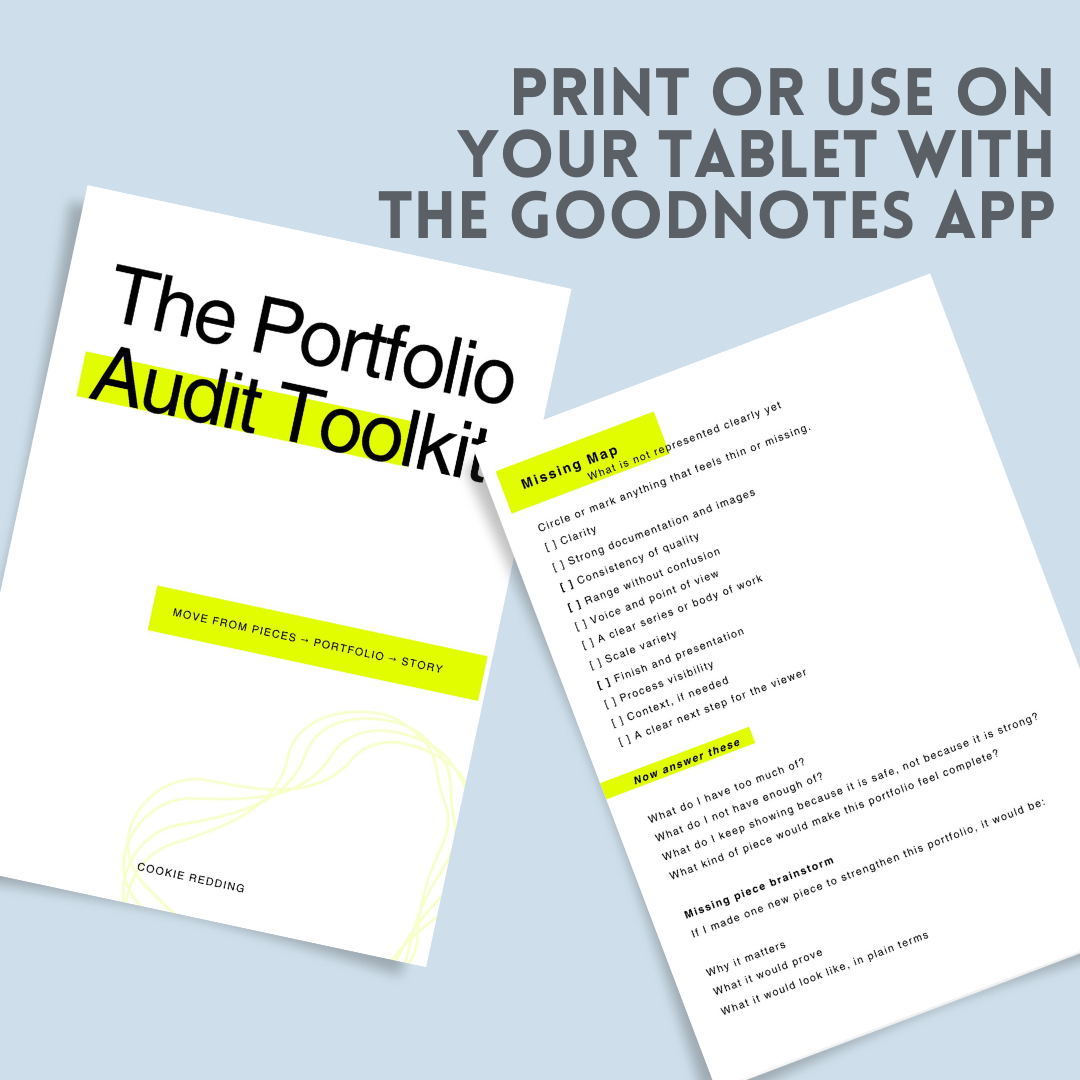 Image 3 of 3
Your portfolio does not need a full redesign to feel better. Sometimes it just needs a clear check in.
The Portfolio Audit Workbook is a guided reset you can use whenever your work feels a little out of sync with how you are showing it. It walks you through what to keep, what to revise, what to remove for now, and what might be missing. You will also map out sequencing, tighten up project descriptions, and end with a short revision plan that actually feels doable.
This is not a perfection workbook. It is a clarity workbook. You can move through it quickly or go deeper depending on what you need.
You can use it on your iPad in GoodNotes, or print it and write by hand.
What’s included
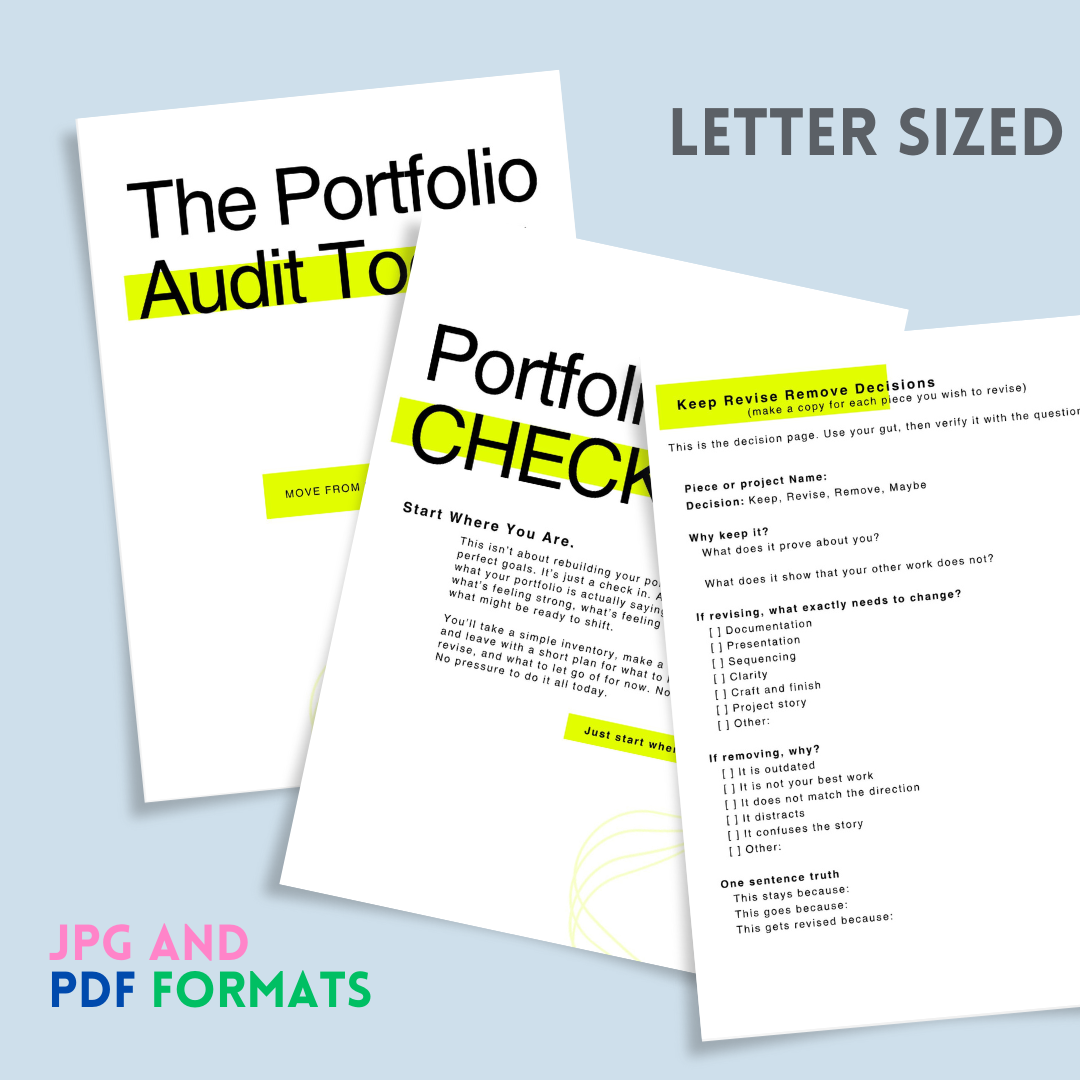
A PDF version for digital use or printing
JPG pages for easy importing into GoodNotes and other note apps
Best for:
Artists (and designers) updating their website or portfolio
Applying for shows, residencies, or opportunities
Preparing for a new year, a new series, or a new direction
Anyone who wants their work to read more clearly
How to use in GoodNotes
Download the files to your device, then import the PDF into GoodNotes as a new notebook. You can write directly on the pages with the pen tool, add extra pages if you want, and duplicate any worksheet pages you need for multiple projects. If you prefer individual pages, import the JPG files and arrange them in your preferred order.
Printing option
Print the PDF at home on standard letter paper. You can use it as a quick one time audit or reprint pages whenever you need a fresh reset.
Notes
This is a digital product. No physical item will be shipped. Due to the nature of digital downloads, returns are not available.
Your portfolio does not need a full redesign to feel better. Sometimes it just needs a clear check in.
The Portfolio Audit Workbook is a guided reset you can use whenever your work feels a little out of sync with how you are showing it. It walks you through what to keep, what to revise, what to remove for now, and what might be missing. You will also map out sequencing, tighten up project descriptions, and end with a short revision plan that actually feels doable.
This is not a perfection workbook. It is a clarity workbook. You can move through it quickly or go deeper depending on what you need.
You can use it on your iPad in GoodNotes, or print it and write by hand.
What’s included
A PDF version for digital use or printing
JPG pages for easy importing into GoodNotes and other note apps
Best for:
Artists (and designers) updating their website or portfolio
Applying for shows, residencies, or opportunities
Preparing for a new year, a new series, or a new direction
Anyone who wants their work to read more clearly
How to use in GoodNotes
Download the files to your device, then import the PDF into GoodNotes as a new notebook. You can write directly on the pages with the pen tool, add extra pages if you want, and duplicate any worksheet pages you need for multiple projects. If you prefer individual pages, import the JPG files and arrange them in your preferred order.
Printing option
Print the PDF at home on standard letter paper. You can use it as a quick one time audit or reprint pages whenever you need a fresh reset.
Notes
This is a digital product. No physical item will be shipped. Due to the nature of digital downloads, returns are not available.